Run the day live, not after the fact.
A single operational view of every vehicle, trip and exception — so your team responds in seconds, not after the rider calls.

Every trip, visible the moment it changes.
Naveera keeps one live view of the entire operation — where every vehicle is, which trips are on track, and which need attention right now. Nothing waits for an end-of-day report.
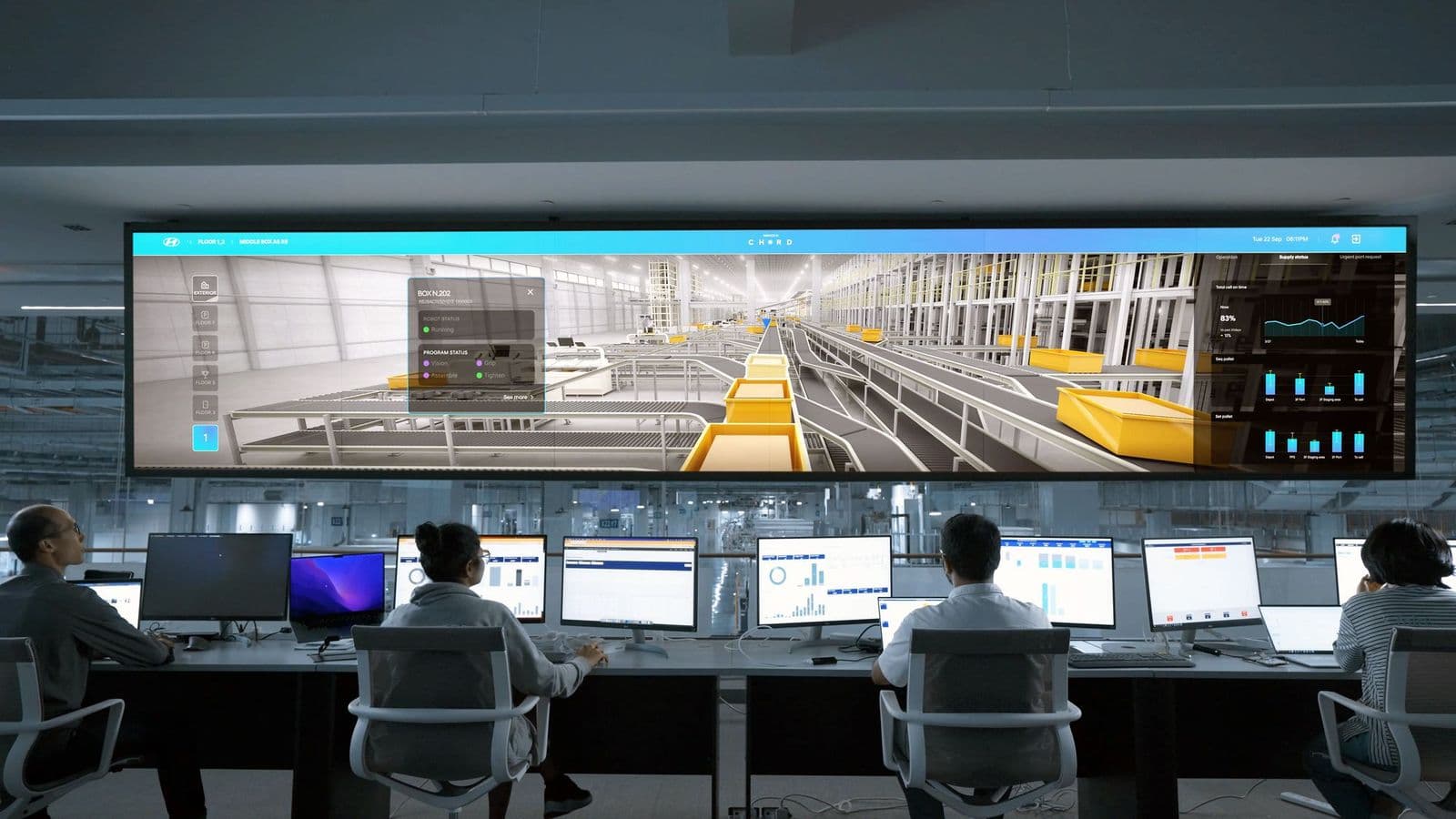
01 / 06The dispatch board
Everything on one board.
Dispatch does not fail because the information doesn't exist. It fails because the information is in four systems and only one of them is current.
- One surface, not six tabs
- Vehicle positions, trip states, driver messages and the unassigned backlog are the same screen, so nobody is reconciling two windows to answer one question.
- State you can trust
- Trip status comes from what the driver actually did in the app — arrived, loaded, dropped off — rather than from a dispatcher's best guess at where the day has got to.
- Built for the phone ringing
- When a facility calls about a rider, the trip, its vehicle, its ETA and its history are one search away, not a scroll through this morning's manifest.
Control, without the lag.
- Live dispatch visibility
- Track every vehicle and trip on one board, updated in real time.
- Trip reassignment
- Move a trip to another vehicle in one action — the rider's ETA updates automatically.
- Delay recovery
- Spot a route falling behind early enough to actually recover it.
- Exception handling
- No-shows, breakdowns and cancellations surface immediately, not at reconciliation.
- Service continuity
- Keep commitments to riders and contracts even when the day doesn't go to plan.
The same loop, whatever goes wrong.
Four exceptions that interrupt a normal operating day, and the response each one gets. Pick one.
Trigger A driver has waited out the no-show window at a residential pickup and nobody has come to the door.
- 01
Detect
The driver marks the no-show from the app; the trip closes with a reason code attached.
- 02
Propose
The vehicle's remaining route is recalculated without the stop, and the freed time is offered back to the plan.
- 03
Confirm
Dispatch confirms, the rider's return leg is flagged for a follow-up call, and billing sees the no-show reason immediately.
Result — Route continues, downstream pickups pull earlier
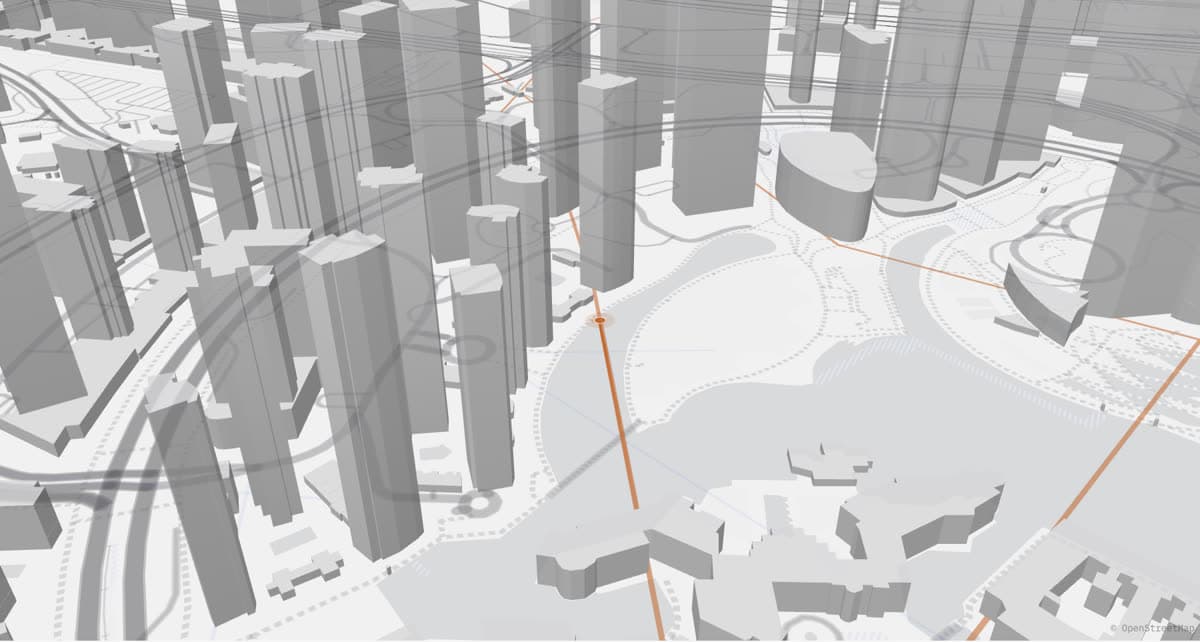
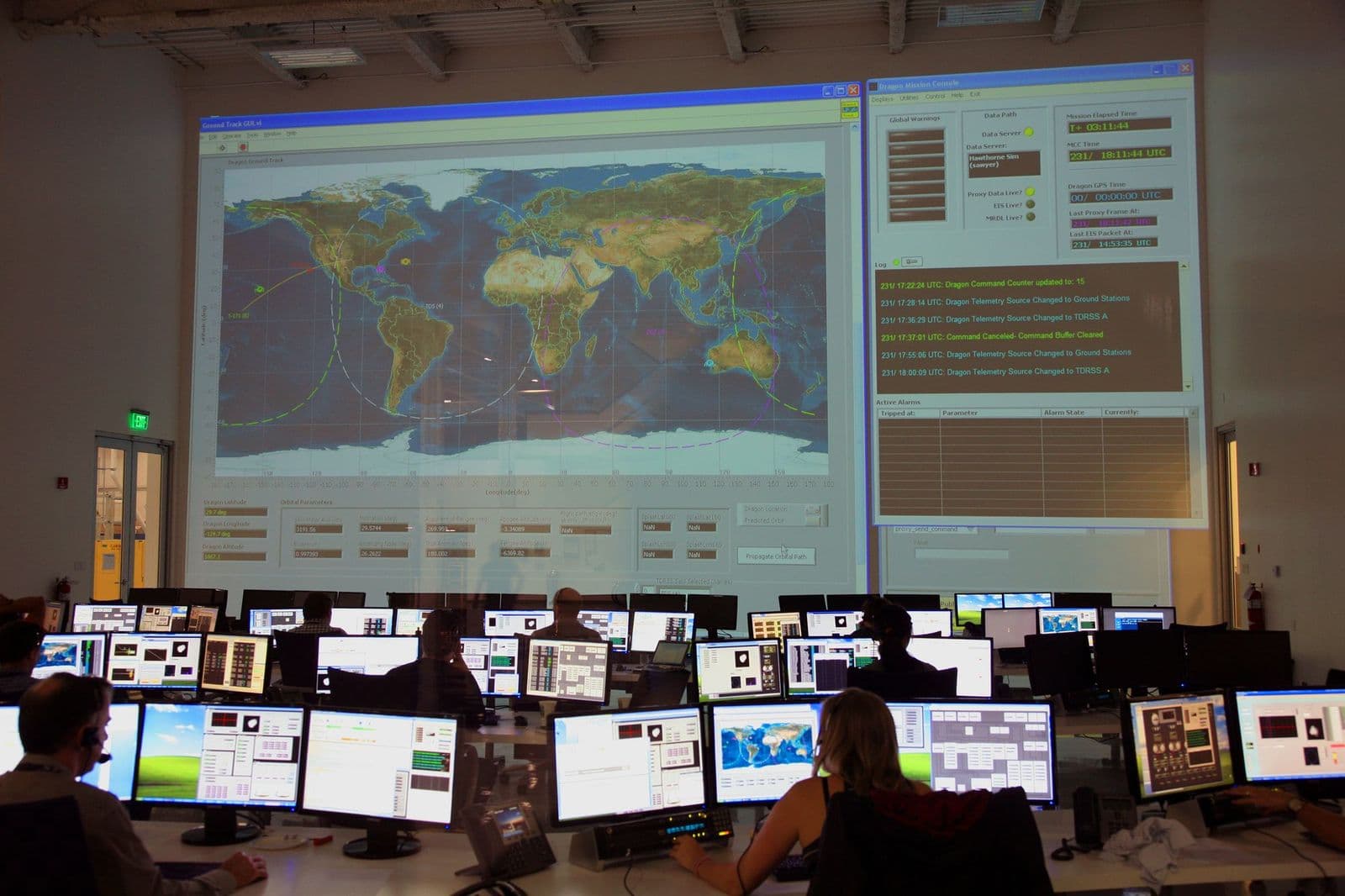
Command the operation from one screen.
The same live map running underneath every dispatch decision — vehicles, trips and routes updating continuously, not a static screenshot.
05 / 06Dispatch ↔ driver
The message and the trip are the same record.
Most of what goes wrong in a transport day is a communication failure, not a routing failure. Keeping the conversation attached to the trip is the cheapest fix available.
- Messaging in the same system
- Dispatch and drivers talk inside the trip record, so the reason a pickup slipped is attached to the trip rather than lost in a phone call nobody logged.
- Changes reach the driver
- A reassignment isn't a radio call and a hope. The receiving driver's route updates on their device, and the losing driver's stop disappears from theirs.
- Everything timestamped
- Every state change is recorded as it happens, which is what makes the end-of-day picture a record rather than a reconstruction.

The day starts before the first pickup.
Vehicles assigned, inspections due, drivers clocked in, the first standing orders already routed. By the time the yard is empty, the plan has already been made — and dispatch is watching it hold.
Questions dispatchers ask first.
The Help Center covers each of these end to end, with the exact screens involved.
Vehicle positions and trip states stream over a persistent connection rather than a page refresh, so the board reflects what drivers are doing as they do it. If the connection drops, the interface says so instead of quietly showing stale positions.
Read the full articleThe trip moves to the receiving vehicle, both drivers' routes update on their devices, and the rider's ETA is recalculated from the new vehicle's position. The original assignment stays in the trip's history, so the change is auditable later.
Read the full articleYes. Delays are shown against the planned time with the trip's own event history alongside — when the driver arrived, how long the load took, when the vehicle actually departed — rather than a single red flag with no explanation.
Read the full articleDrivers mark a no-show from the app once the waiting window has passed, with a reason attached. The trip closes with that reason on the record, which is what billing and contract reporting later read — no separate no-show log to maintain.
Read the full articleNot for routine coordination. Messaging runs inside the platform against the trip in question, so context travels with the message. Phone calls remain available for the situations that genuinely need a voice.
Read the full articleThe rest of the platform
Don’t wait for the end of the day to find out.
See your own operation on a live board, the way your dispatch team should already be seeing it.