Give drivers clarity, not clutter.
Trip details, navigation, compliance steps and proof of service in one simple app — built for the field, not the office.
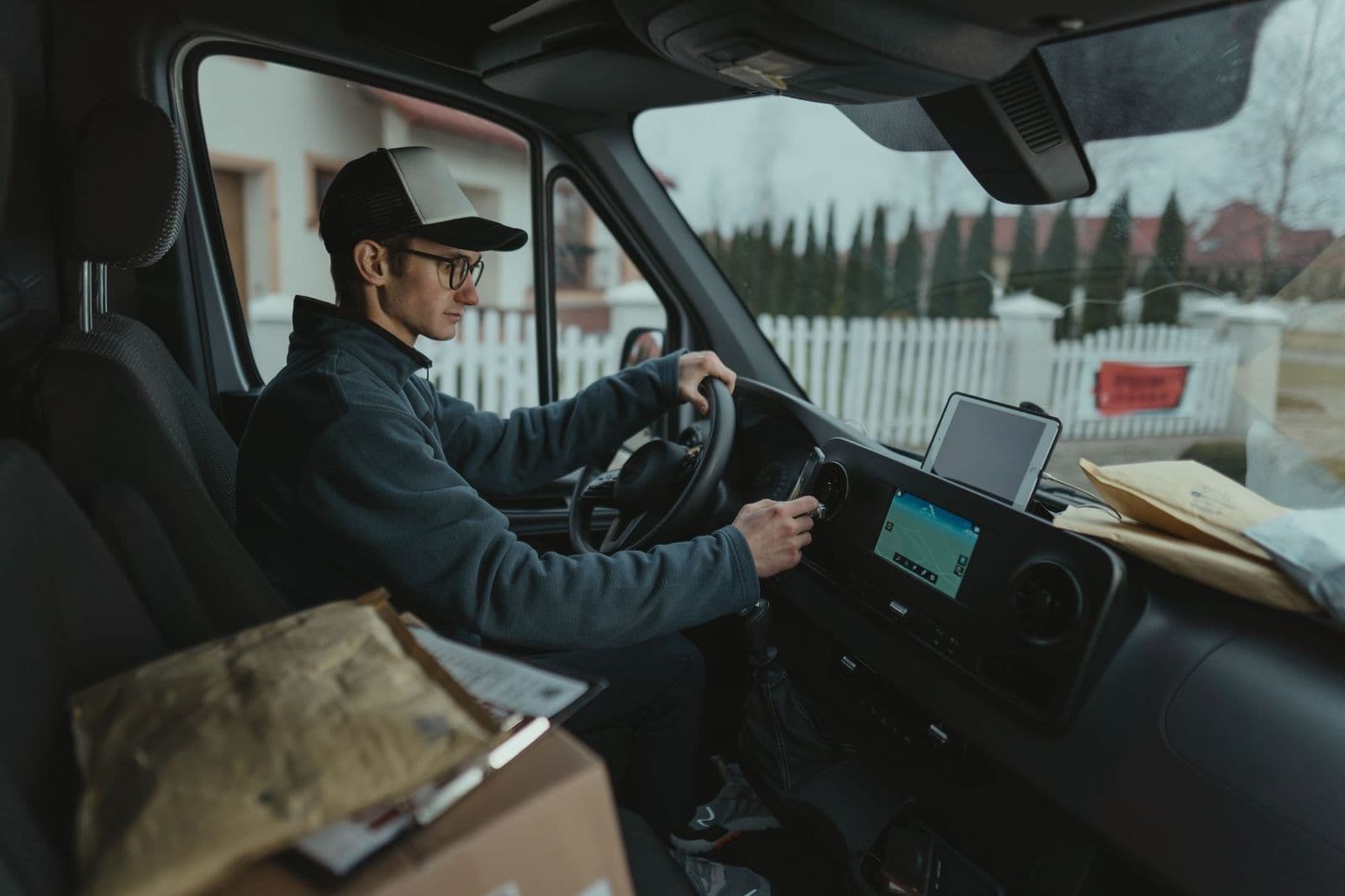
Built for the field, not the office.
The Naveera driver app keeps drivers focused on the road and the rider — clear trip details, simple navigation, and compliance steps that don’t get in the way. Every action feeds straight back into dispatch and billing, automatically.
Four steps, start to finish.
Clock in
Drivers start their shift and see their assigned vehicle and trip list instantly.
Navigate
Turn-by-turn guidance to every pickup and drop-off, with live trip details on screen.
Execute
Compliance steps — inspections, signatures, notes — happen in the flow of the trip, not after it.
Complete & capture
Photos and signatures attach directly to the trip record as proof of service.
Clock in
Drivers start their shift and see their assigned vehicle and trip list instantly.
Navigate
Turn-by-turn guidance to every pickup and drop-off, with live trip details on screen.
Execute
Compliance steps — inspections, signatures, notes — happen in the flow of the trip, not after it.
Complete & capture
Photos and signatures attach directly to the trip record as proof of service.
02 / 05At the door
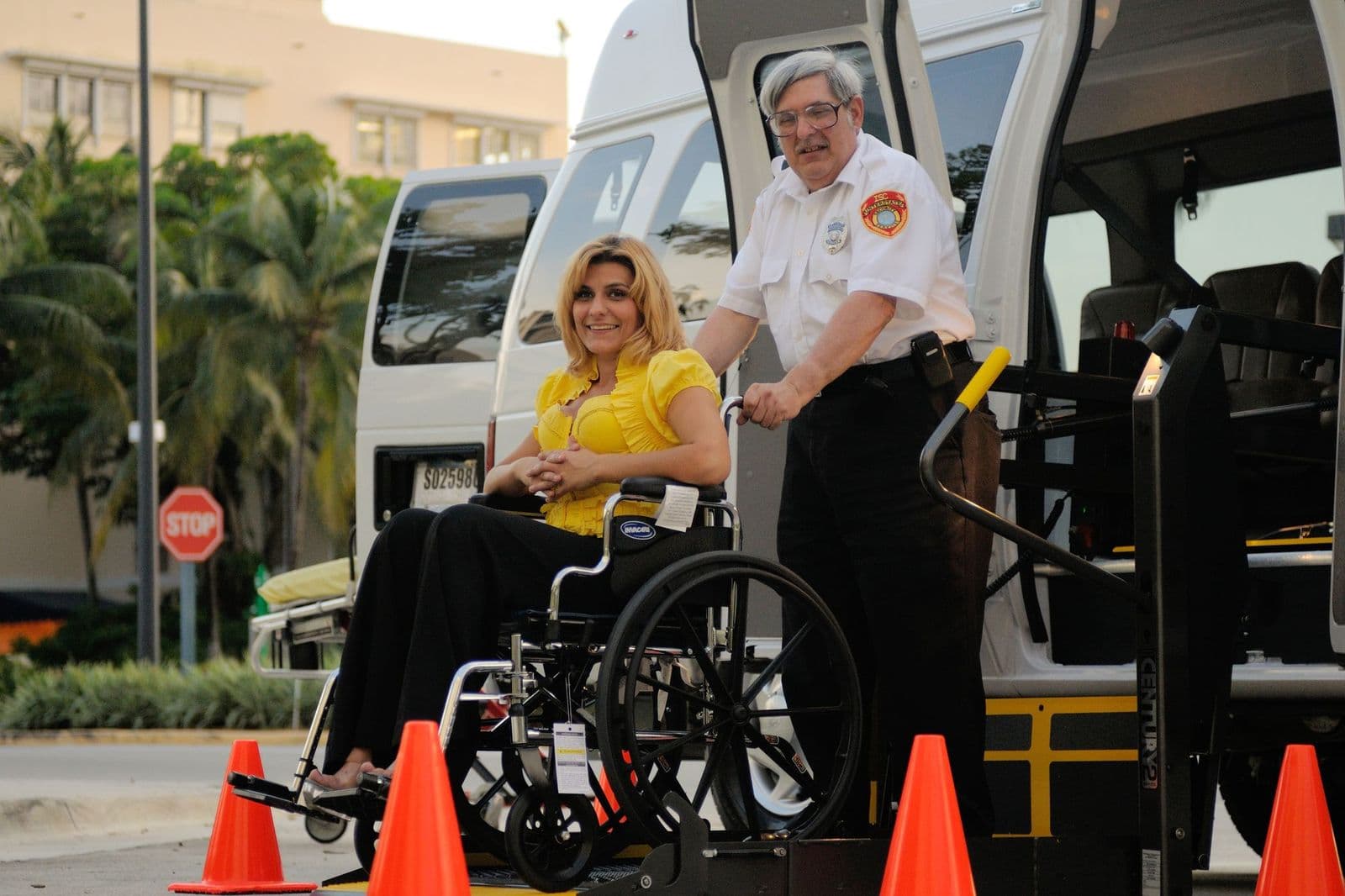
The rider is the job. The app is not.
A driver's attention belongs on the person they are helping into the vehicle. Everything the app does at that moment is either something the driver needed to know beforehand, or something that takes one tap afterwards.
- Rider context before arrival
- Mobility needs, securement requirements, gate codes and the notes that only matter at the door are on the trip before the driver pulls up, not in a phone call after.
- Compliance in the flow
- Securement confirmation, signature and photo capture happen as part of completing the trip, so the paperwork is finished when the trip is finished.
- Hands stay free
- The screens a driver uses while a rider is boarding are the ones designed for a single glance — everything else waits until the vehicle is stationary.
Everything the job needs. Nothing it doesn't.
- Navigation
- Clear, trip-aware turn-by-turn guidance to every stop.
- Trip details
- Pickup, drop-off, rider notes and special requirements, always on screen.
- Compliance steps
- Vehicle inspections and required checks built into the daily flow.
- Messaging
- Direct, in-app communication with dispatch — no separate phone call.
- Proof of service
- Signatures and photos captured and attached the moment a trip completes.
04 / 05The app itself
One trip, four screens.
This is the whole of a driver’s interaction with a single trip: see it, drive it, check the vehicle, close it out. Every event is timestamped and attached to the record automatically — no paper logs, no end-of-day guesswork.
Schematic illustration of the driver app.
Pick a screen below the frame to step through it.
ACTIVE TRIP · T-40218
4118 Palm Court
PICKUP · 08:05
Sunrise Medical Center
DROP-OFF · 08:24
UP NEXT
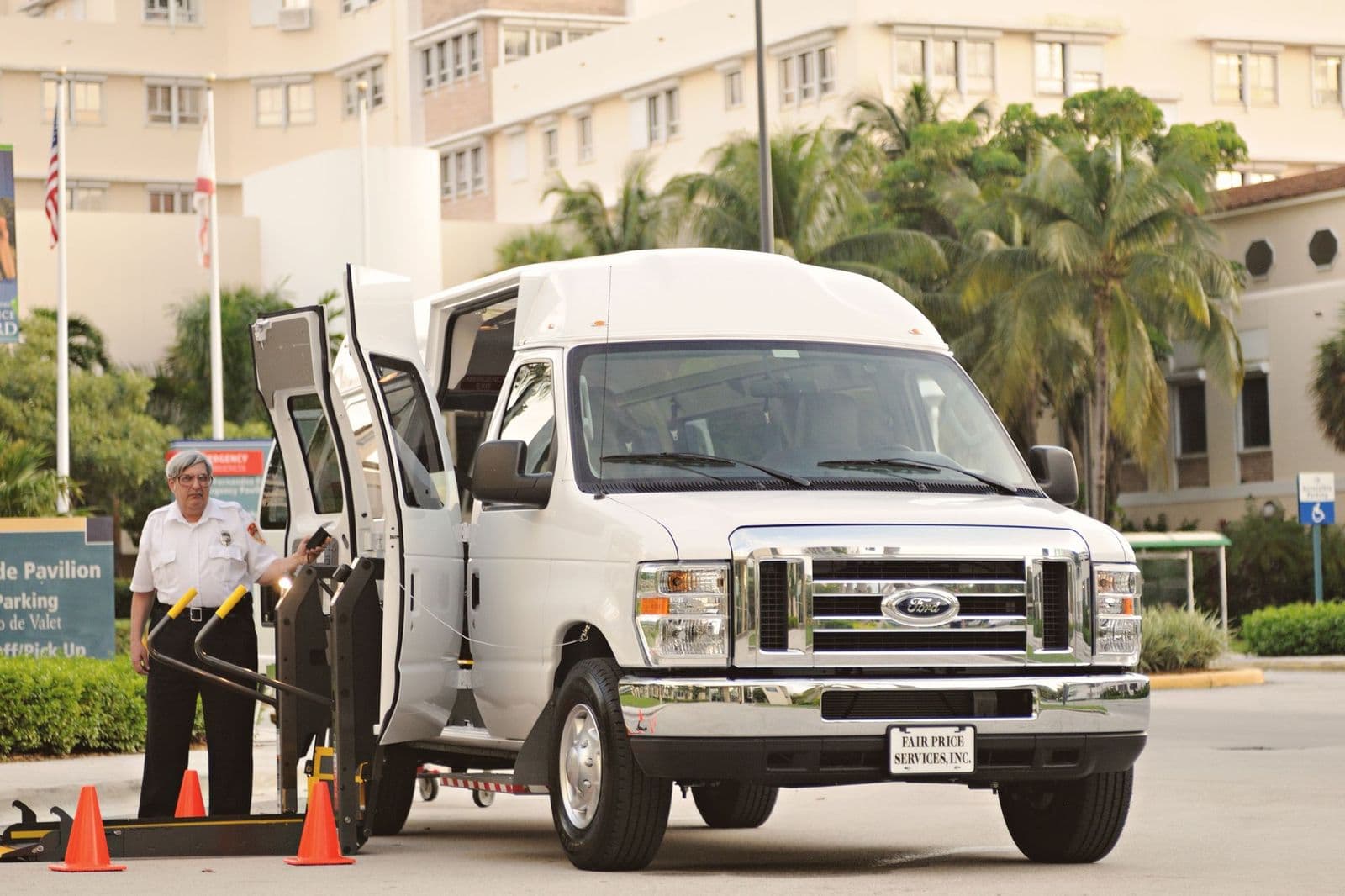
Built for a day that doesn't cooperate.
Rural dead zones, parking structures, a phone at 6% by mid-afternoon. The app is designed around the assumption that connectivity and battery are not guaranteed, because on a real route they are not.
Questions drivers and their managers ask.
Each of these has a full walkthrough in the Help Center, screen by screen.
After clocking in, drivers see the vehicle they are assigned to, any inspection due before they can leave the yard, and their full trip list for the day in order. Nothing else competes for attention on that screen.
Read the full articleActions are queued on the device and sync when connectivity returns. A driver can complete a pickup, capture a signature and start the next leg entirely offline; dispatch sees the catch-up as soon as the vehicle is back in coverage.
Read the full articleYes. Signatures, photos and odometer readings are stored against the trip record itself, with their capture time and location, which is what makes them usable later for a claim or a contract audit rather than just reassuring at the time.
Read the full articleDrivers can cancel where your organization's policy allows it, and the policy is enforced by the platform rather than by training. When a cancellation is not permitted, the app explains why instead of failing silently.
Read the full articleNo. Pre-trip and post-trip inspections are completed in the app against your own checklist, and a failed item raises a defect the shop can see immediately rather than waiting for a sheet to come back to the office.
Read the full articleThe rest of the platform
Give your drivers the tool the job deserves.
See the driver app the way your team would actually use it, trip by trip.